![superfy Logo-Neg-4.png]](https://knowledge.superfy.com/hs-fs/hubfs/superfy%20Logo-Neg-4.png?height=30&name=superfy%20Logo-Neg-4.png)
⚠️ Important: If any required configurations are missing on your device, please contact the Superfy Support Team at support@superfy.com.
Before You Begin
-
Download the ToolBox App – required to turn on and manage the Superfy Mini.
- Enable NFC in your smartphone’s settings.
- Open the ToolBox App and place the Superfy Mini near your smartphone’s NFC area.
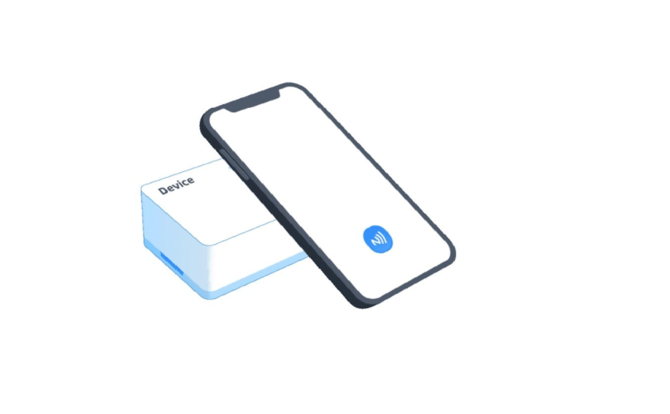
- Tap the NFC icon at the bottom of the Toolbox App screen to scan the device.
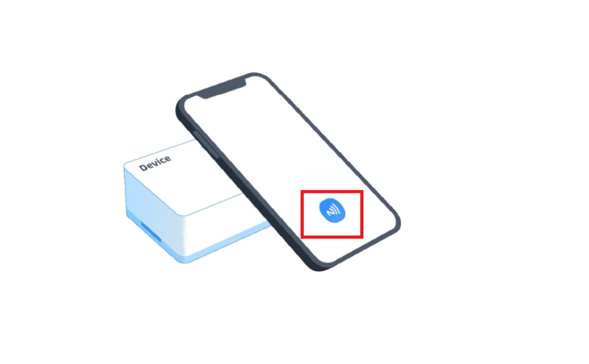
Ensure the Superfy Mini is held steadily against the NFC area for a successful scan.
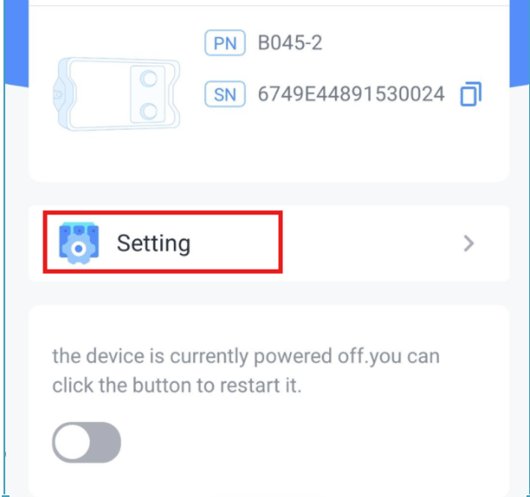
- Once scanned, tap on the Settings option
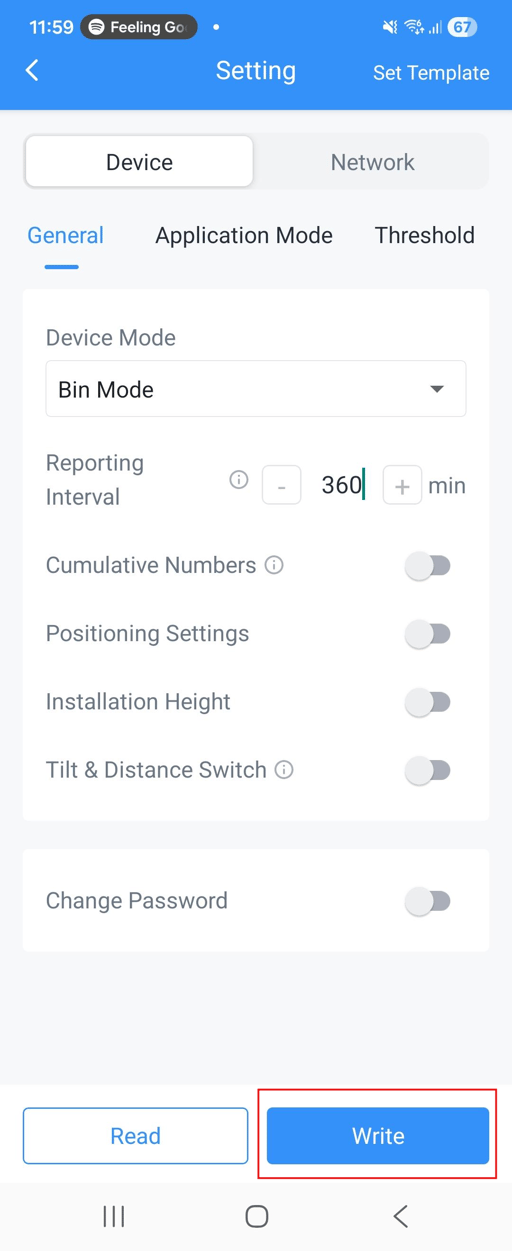
- Scroll down to Reporting Interval under Device General Settings, then enter the desired reporting interval in minutes.
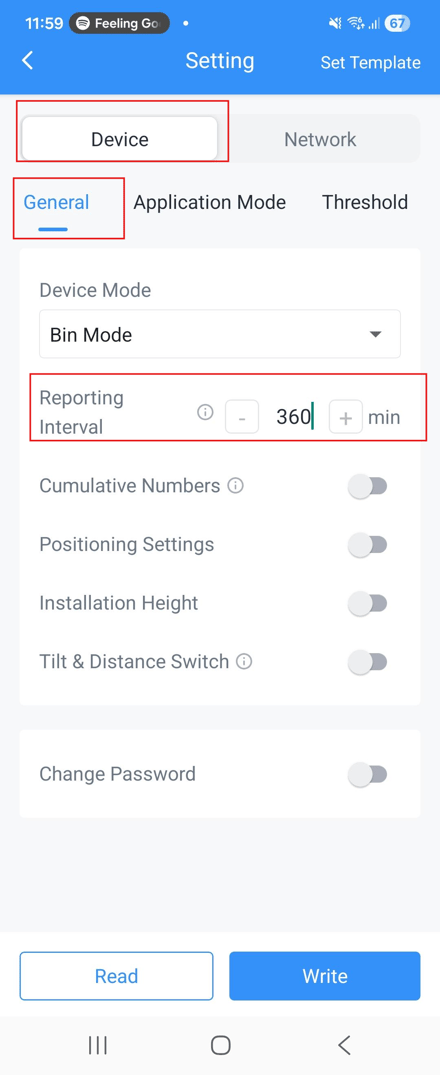
- Tap Write, then place the sensor against the NFC area of your phone to update the heartbeat interval successfully.