![superfy Logo-Neg-4.png]](https://knowledge.superfy.com/hs-fs/hubfs/superfy%20Logo-Neg-4.png?height=30&name=superfy%20Logo-Neg-4.png)
Please note that you only require a slightly damp cloth or wipes to clean the lenses of the sensor. No harsh detergents or chemicals are required.
1. Inspect the Sensor Lenses for Dirt or Buildup
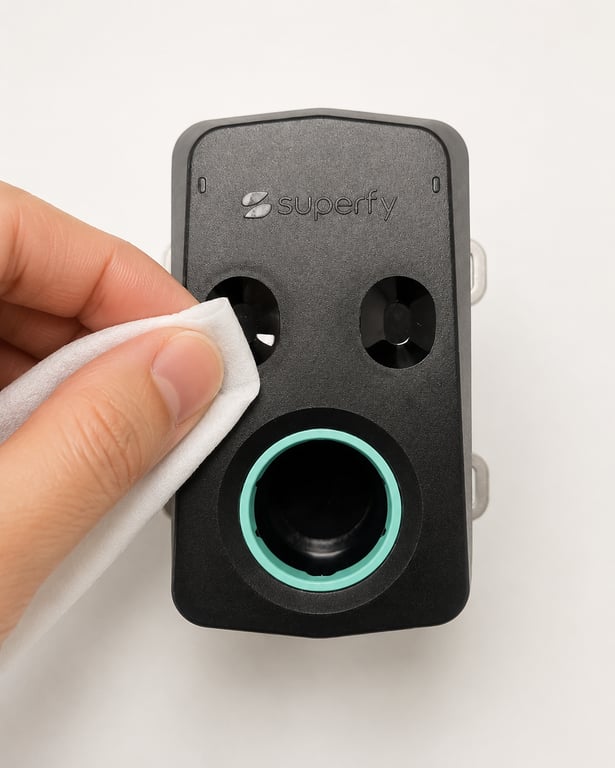
The Superfy Pro uses two optical lenses to calculate fill level readings (as shown in the images below). Inspect both lenses carefully and ensure there is no dirt, dust, moisture, or buildup present on either lens.
Please note that the fill level reading is calculated using the average measurement transmitted from both optical lenses. If one lens is blocked, dirty, or misaligned, the sensor may display inaccurate or false readings.
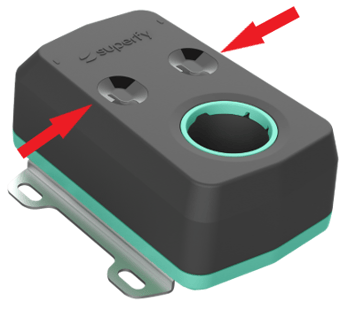
Example of dirty lenses:
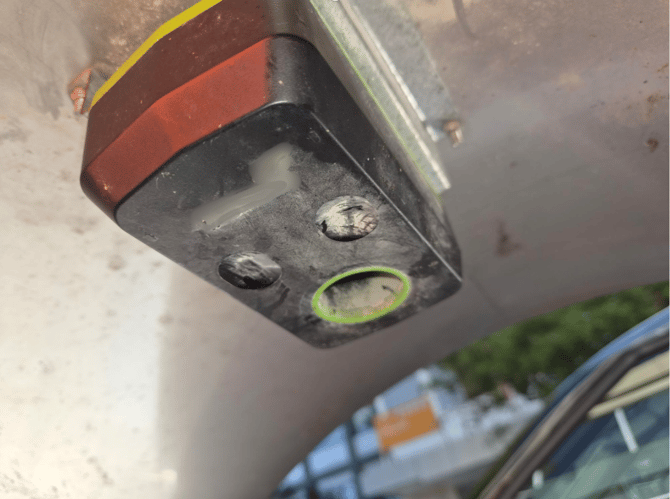
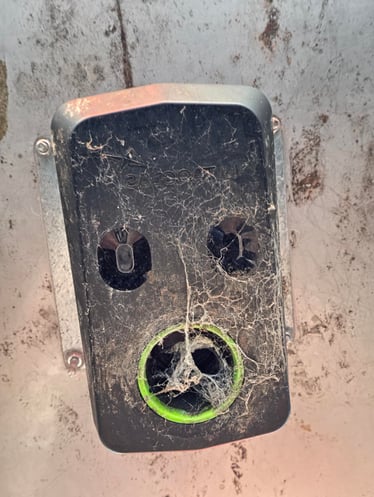
2. Clean the Sensor Lenses
Use a soft cloth or cleaning wipe that is slightly damp only.
Do not use:
- Harsh detergents
- Strong chemicals
- Excessive water or cleaning fluid
-
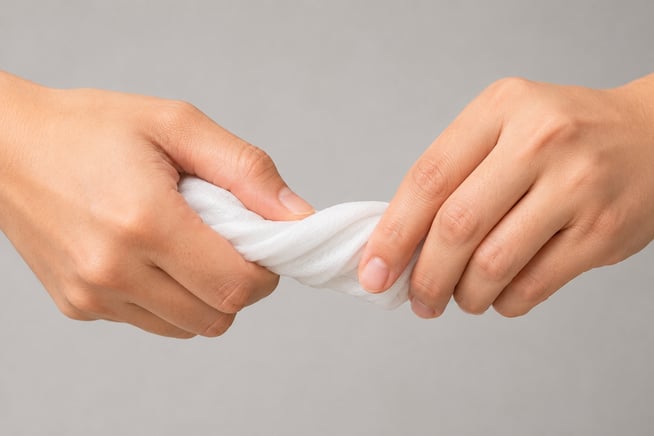
Before cleaning:
- Rinse the cloth or wipe if required
- Squeeze out any excess liquid
- Ensure the cloth is damp and not overly wet
-
When cleaning the lenses:
- Gently wipe the lens surface
- Do not press too hard on the lenses
- Continue wiping until all buildup and residue are removed
- Ensure the lenses are dry and clear once cleaning is complete
3. Perform a Manual Reading
- Follow the instructions HERE
4. Verify the Reading in the Superfy App
-
Once the manual reading has been completed, follow the instructions HERE to:
-
- Check the updated sensor data in the Superfy app
- Verify the reported fill level
- Confirm that the reading is now accurate
Final Check:
Please do not leave the site until you are satisfied that the sensor is transmitting accurate data. If you require further assistance, please contact support@superfy.com